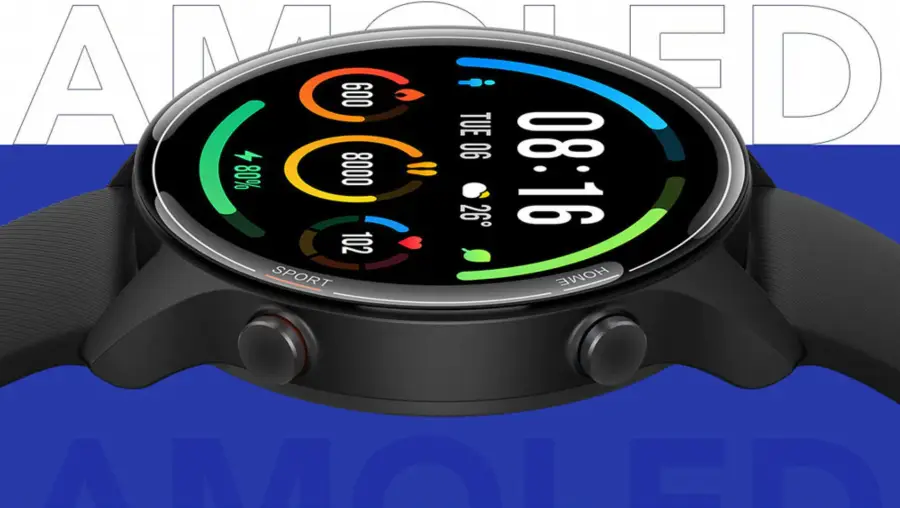

If you have recently purchased a Chinese smartwatch and are having trouble connecting it to your phone, you’re not alone. Connecting a smartwatch to a smartphone can be a little tricky, especially if it is a China-made device. But don’t worry, we’ve got you covered. In this article, we will guide you through the process of connecting your Chinese smartwatch to your phone in a step-by-step manner.
Introduction
Smartwatches have become a popular accessory for people of all ages. They are not only fashionable but also functional, providing users with features such as fitness tracking, message alerts, and phone call notifications. However, connecting a smartwatch to a smartphone is not always straightforward, particularly when it comes to China-made devices. In this article, we will explain the steps you need to follow to connect your Chinese smartwatch to your phone.
Understanding the basics
Before we get into the specifics of connecting your Chinese smartwatch to your phone, it is important to understand the basics. Smartwatches and smartphones communicate via Bluetooth, a wireless technology that allows devices to exchange data over short distances. To connect your smartwatch to your phone, you need to ensure that Bluetooth is enabled on both devices.
Compatibility check
Before you start, check if your Chinese smartwatch is compatible with your smartphone. To do this, you need to know the operating system of your smartphone (iOS or Android) and the version of the operating system. Then, check the specifications of your smartwatch to ensure that it is compatible with your smartphone.
Installing the necessary apps
To connect your Chinese smartwatch to your phone, you need to install the necessary apps on your smartphone. The app you need to install depends on the make and model of your smartwatch. In most cases, you can find the app by scanning the QR code provided in the user manual or searching for it in the app store. Once you have installed the app, follow the instructions provided to set up your smartwatch.
Connect Your Smartwatch to Your Phone
Troubleshooting tips
If you are having trouble connecting your Chinese smartwatch to your phone, there are a few things you can try. First, make sure that Bluetooth is turned on both devices. If that doesn’t work, try restarting both devices and then attempt to pair them again. If you are still having trouble, check the user manual for troubleshooting tips.
FAQs
Is it possible to connect my Chinese smartwatch to my phone if it is not compatible?
No, if your Chinese smartwatch is not compatible with your smartphone, it will not be possible to connect them.
What if I cannot find the app for my Chinese smartwatch?
Check the user manual for instructions on where to find the app or contact the manufacturer for assistance.
Why is my smartwatch not pairing with my phone?
Make sure that Bluetooth is turned on both devices, and they are in close proximity. If you are still having trouble, try restarting both devices and then attempt to pair them again.
How do I know if my Chinese smartwatch is compatible with my phone?
Check the operating system and version of your smartphone and compare them with the specifications of your smartwatch.
Can I connect my Chinese smartwatch to more than one phone?
It depends on the make and model of your smartwatch. Check the user manual for instructions on how to do this.
Conclusion
Connecting your Chinese smartwatch to your phone is a process that may seem intimidating at first, but it is actually quite simple if you follow the steps outlined in this article. By ensuring compatibility, installing the necessary apps, turning on Bluetooth, and pairing the devices, you can enjoy the benefits of your smartwatch in no time.