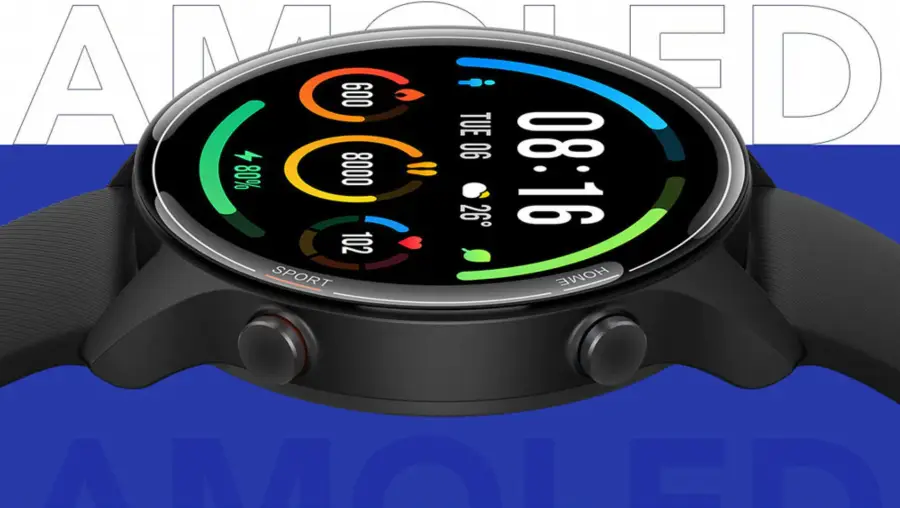

There are no one-size-fits-all conditions for setting up a watch. But it is enough to have one rough guide on how to set up a smart watch from Aliexpress to learn how to use the smart gadget comfortably. In general, the Chinese gadgets do not have a very different operating principle. They work on the same technology with a slight difference in the interface.
Setting up a smartwatch from Aliexpress
As a rule, the SIM slot is on the side. If you want to set up a children’s smartwatch from Aliexpress, it’s 99% likely the slot is under the battery. You need to unscrew the back cover, gently remove the battery. You will then see the slot, which is the same as in any Chinese smartphone. There will be an illustration in the official instructions regarding the insertion of the SIM card. In the case of the Baby Watch it is as detailed as possible.

Since it is impossible to set up the watch from Aliexpress without turning it on, let’s deal with this step. We should note right away that cheap watches do not turn on in a mile-second – this is normal. The power-on time can be up to 30 seconds – it’s not a fault here.
- On the side, locate the on/off button (this also turns the appliance off);
- Hold down the button for at least 3 to 5 seconds;
- When the screen lights up, remove your finger from the button.
The time and date can be set immediately. Here we find the answer to the question of how to set up a smart watch from Aliexpress in its native language. All these settings pop up after the device is fully turned on. The main thing is not to miss them, so as not to look for separate options afterwards. Branded devices have the function of self-selecting the correct time zone.
What if the item with date and language settings does not appear? In the case of Chinese watches, this is unlikely to happen. Unless you accidentally or intentionally bought a second-hand device. In this case, configure everything as in a normal Android smartphone. On the screen you see the menu, click on “Settings“, and then scroll to “Language“.
How to connect a Chinese watch to your phone
For many, a smartwatch without adequate synchronisation with a mobile device is a useless thing. That’s why it’s recommended to get to grips with such settings right away.
<strong>Synchronising your smartphone and Smart Watch from Aliexpress</strong>
Time required: 5 minutes
Step
Turn on Bluetooth and Wi-Fi on the smartphone (you can choose one or the other, but for the first time it’s better to turn on both technologies to guarantee);
Step
Use “Settings” on the watch to find Wi-Fi, the next item is usually Bluetooth. All of this is turned on;
Step
Return to the smartphone. We see that the device has found the name of the watch;
Step
Confirm the connection code.
Synchronisation is done and you can disable it at any time by switching off the bluetooth and wi-fi.
Is it possible to connect the smart watch to the computer
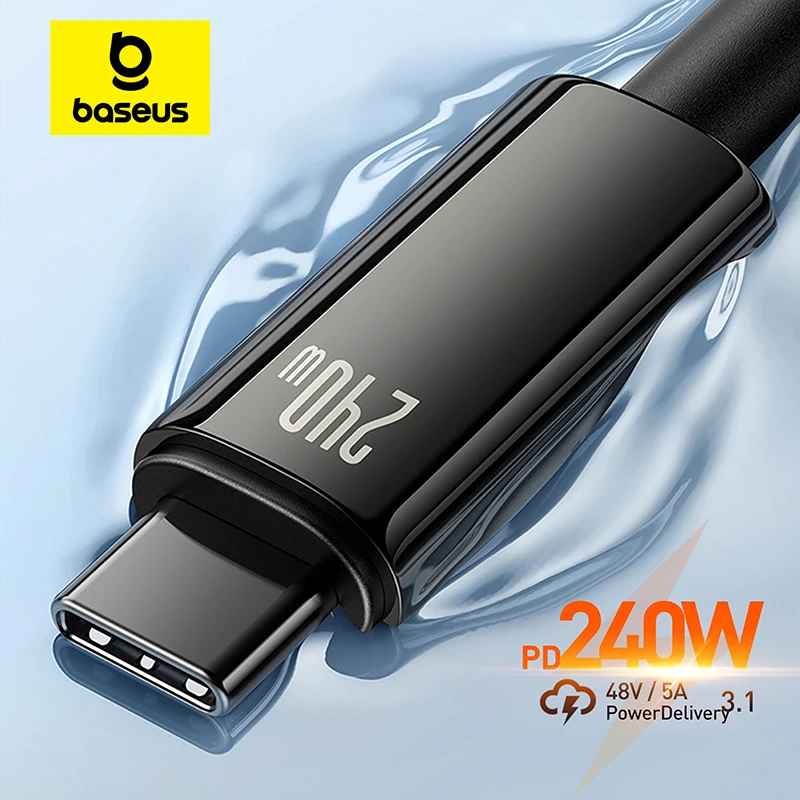
To do this, use the cable that comes with the Smart Watch. It is useful for charging and flashing the watch. Reflashing may be necessary if your language is not available at all – but this does not happen even with the cheapest models.