

If you have a saved payment card on AliExpress that you no longer wish to use or want to remove for any reason, this article will guide you through the process. Removing a card from your AliExpress account is a simple and straightforward procedure that can be done in just a few steps.
How to remove Aliexpress payment card from your computer
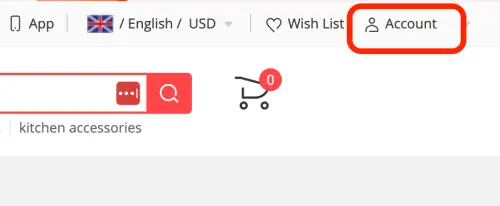


That’s it, your card is permanently deleted from AliExpress.
How to remove your card from Aliexpress in the mobile app
To delete the card on your mobile, follow these instructions:
- Go to and log in to the Aliexpress mobile app;
- Sign in to your account using your registered email address and password;
- Tap on the “Account” or “Profile” icon located at the bottom right corner of the app’s interface;
- After that, scroll down the page and select the “Saved cards” section;
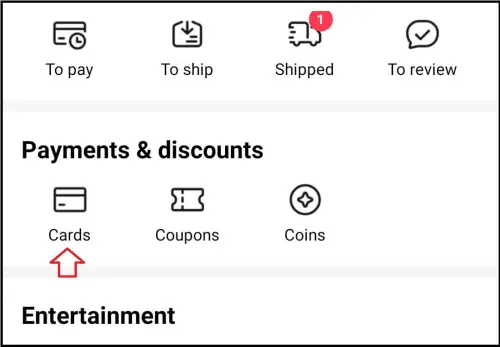
- Next, you will see the linked cards;
- Click on the “Forget” or “Remove” button next to the one you need.
Alternative Method: Contacting Support
If you encounter any difficulties or have further questions about removing a card from AliExpress, you can reach out to their customer support team for assistance. Visit the AliExpress Help Center or support page to find the appropriate contact information for your region.
Hot offers
10,000+ Sold
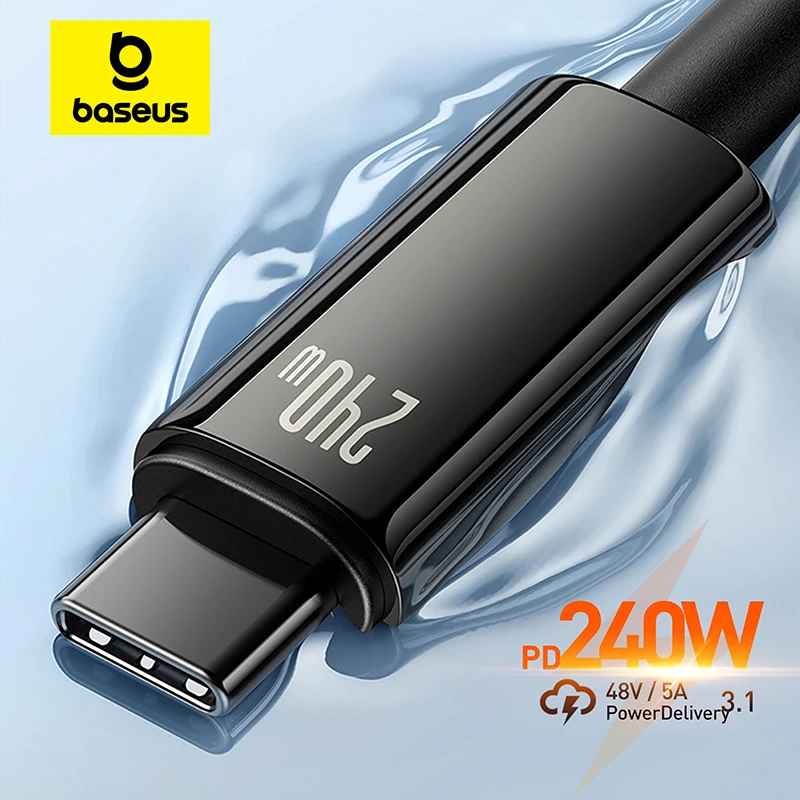
for iPhone 17 16 15 Plus Pro Max Supercharge for Macbook Fast Charger Type C Cable for xiaomi Samsung
1,000+ Sold
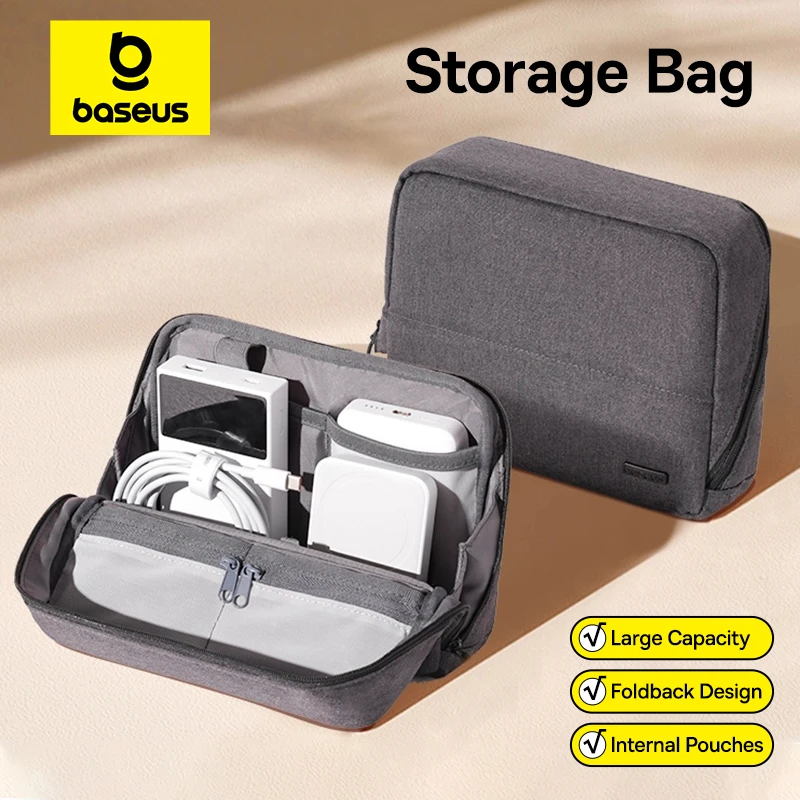
Bag for iPhone 17 Samsung Waterproof Digital Electronic Organizer Portable Power Bank Charger Camera Bag

1,000+ Sold
Open-Ear Wireless Headphones Bluetooth 6.0 with 4 Mic Clear Call, Earbuds Clip on Earphones 30H Playtime

5,000+ Sold
Air Compressor for Car Motorcycles Bicycle Electric Tire Inflator with LCD Digital Display

100+ Sold
Mi Tablet Global Version Snapdragon 7+ Gen 3 11.2″ 3.2K 144Hz Display Adreno GPU 45W Turbo charge 8850mAh
Conclusion
Removing a card from your AliExpress account is a quick and easy process. By following the steps outlined above, you can manage your payment methods and ensure that your account reflects your current preferences. If you have any issues or need additional guidance, don’t hesitate to seek support from AliExpress customer service.
FAQs
Will removing a card from AliExpress affect my existing orders?
Can I add a different card after removing one from AliExpress?
Is it possible to remove multiple cards at once?
Will removing a card affect my account settings or other payment methods?
By following these steps, you can easily remove a payment card from your AliExpress account, either through the website on your computer or via the mobile app. Remember, you can always add a new payment card or select alternative payment methods for your convenience.