

An AliExpress account is a virtual personal account where order details, purchase history, delivery addresses, payment methods and other personal information are stored. All this data is needed to speed up and facilitate shopping on the website and mobile application of the marketplace.
AliExpress account recovery is of interest to many shoppers, as login data may be lost or forgotten. AliTopShop editorial staff has conducted its own research on this topic and is ready to share a detailed publication with our readers.
Finding Your AliExpress Account
The first step in restoring your AliExpress account is to locate it. Here’s how you can do that:
- Go to the AliExpress website and click on “My AliExpress” at the top right corner of the page.
- Click on “Sign In” and then select “Forgot Your Password?”
- Enter the email address associated with your account and click “Next.”
- Follow the on-screen instructions to reset your password and gain access to your account.
If you don’t remember the email address associated with your account, you can try searching for it in your email inbox. Look for emails from AliExpress, which may include order confirmations or promotions. The email address used for these emails is likely the one associated with your account.
If you’re still unable to locate your account, you can contact AliExpress customer service for assistance. They may be able to help you locate your account or provide other solutions to regain access.
Recover account by card number
If you’ve lost your AliExpress account username and password – don’t despair. It’s possible to retrieve your account using your card number and regain access to your final orders. In order to do so, you must have at least one purchase in your account that you paid for with your bank card.

The Marketplace will need more information from you to find and restore your Aliexpress account using your card number. On the next tab of the form you will need to provide additional information.
- Enter the first 6 and last 4 digits of your credit card. Also, remember to make sure that you have used this card at least once to pay for orders on AliExpress;
- Provide the amount you paid with the credit card in your local currency;
- Select the date of the transaction;
- Drag the slider from left to right at the bottom of the page to confirm the procedure.

If the details are incorrect, the system will say “Sorry, we cannot locate your account based on the details you provided. Please check that the data is correct and try again”.
Note that the page also allows you to restore your Aliexpress account using your order number. You need to enter the order number correctly to successfully complete the procedure. It should not be confused with the parcel tracking number.
Restore account by order number
To restore your AliExpress account using your order number, you need the correct purchase ID. This can be found in the email that arrives at your registration email address to notify you that your order has been successfully paid for.
- Go to the page where you need to answer the clarifying questions;
- The question “Have you ever placed an order on your account?” must be answered with “Yes“;
- “Do you have the order number?” – “Yes“;
- Then click on “Retrieve by order number” at the bottom of the page.

Please note that the order number consists of numbers only. The parcel tracking number is not an order number. The track number cannot be used to access your account.
- Enter the Order number in the “Order number” field;
- Drag the slider from left to right to confirm the procedure.

Restore account by phone number
If by resetting your AliExpress account using your phone number you mean resetting your password and setting a new one, then this feature is only available for users from France (+33), Italy (+39), Spain (+34), Netherlands (+31), Saudi Arabia (+966) or AOE (+971) who use the AliExpress.com global site and mobile app.
In addition, it is possible to reset passwords via phone by customers from Russia, Armenia, Azerbaijan, Kazakhstan, Belarus, Moldova, Kyrgyzstan, Tajikistan, Uzbekistan, Turkmenistan and Georgia who use the local Russian mobile app and the AliExpress.ru website.
Please note that the phone number must be attached to your existing AliExpress account. For more details on how to recover the password from your AliExpress account, we have described in a separate article.
Hot offers

10,000+ Sold
for iPhone 17 16 15 Plus Pro Max Supercharge for Macbook Fast Charger Type C Cable for xiaomi Samsung
1,000+ Sold
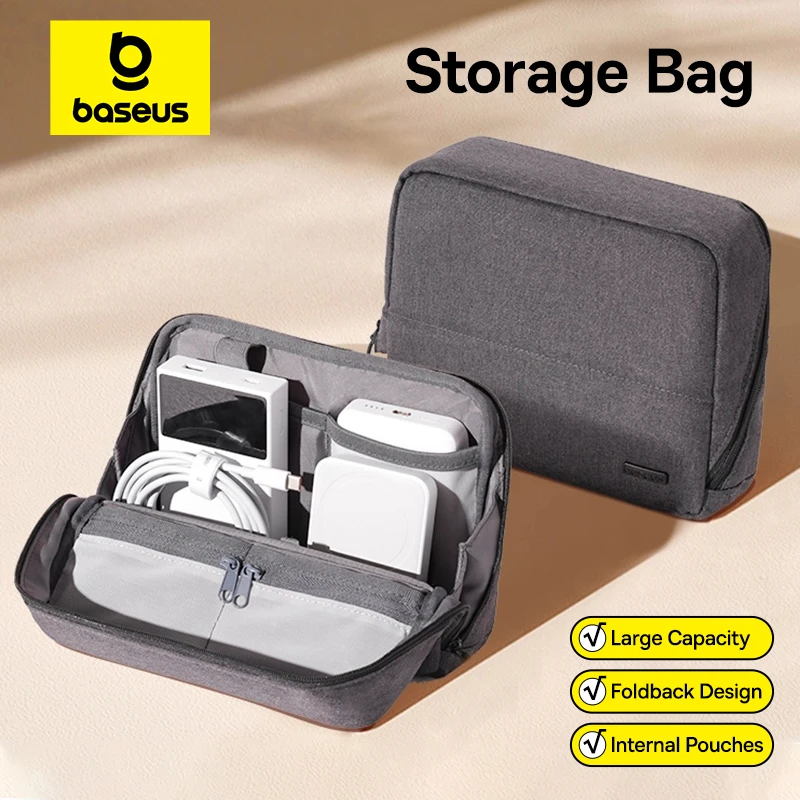
Bag for iPhone 17 Samsung Waterproof Digital Electronic Organizer Portable Power Bank Charger Camera Bag

1,000+ Sold
Open-Ear Wireless Headphones Bluetooth 6.0 with 4 Mic Clear Call, Earbuds Clip on Earphones 30H Playtime
5,000+ Sold
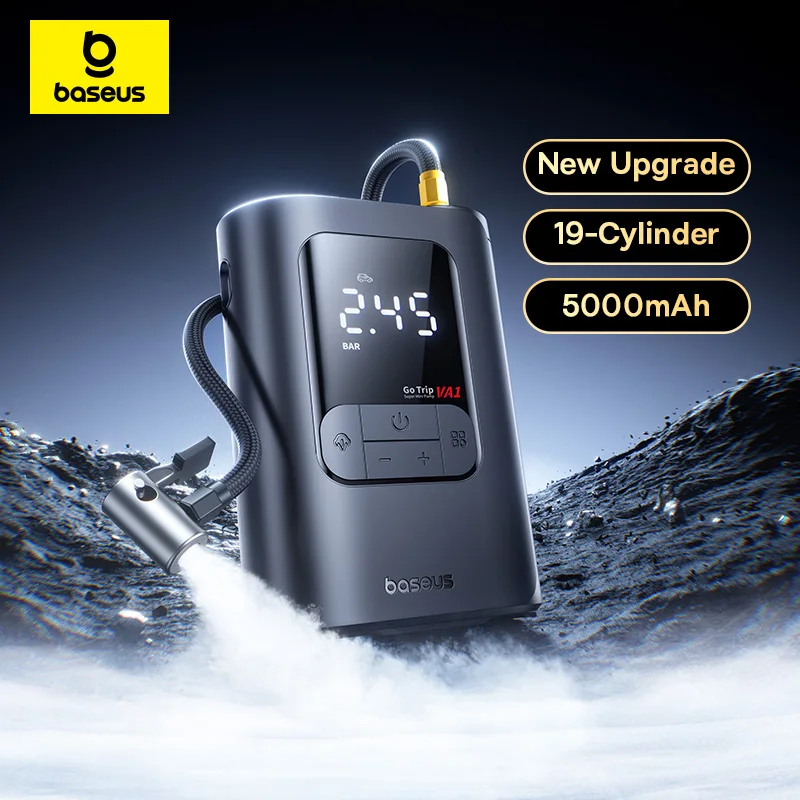
Air Compressor for Car Motorcycles Bicycle Electric Tire Inflator with LCD Digital Display

100+ Sold
Mi Tablet Global Version Snapdragon 7+ Gen 3 11.2″ 3.2K 144Hz Display Adreno GPU 45W Turbo charge 8850mAh
Frequently Asked Questions
How do I recover my AliExpress account using my card number?
How do I recover my AliExpress account using my order number?
How can I restore How can I recover my Aliexpress account from a phone number?
Can I restore my AliExpress account if I forgot my email address?
How long does it take to restore a suspended AliExpress account?
What can I do to prevent my AliExpress account from being hacked?
Conclusion
Losing access to your AliExpress account can be frustrating, but with the right steps, it’s usually possible to restore it. By following the instructions in this article, you can locate and restore your account, whether you forgot your password, had your account suspended, or suspect that it was hacked. Remember to take steps to secure your account and prevent future issues, such as using a strong, unique password and enabling two-factor authentication. If you’re still having trouble restoring your account, don’t hesitate to contact AliExpress customer service for assistance.
Read more: