Aliexpress shopping cart won’t open – what to do
Despite the fact that AliExpress today has a high-quality and well-developed website functionality, certain glitches sometimes occur. For example, users encounter a strange error when the shopping cart on AliExpress does not open. In other cases, goods cannot be sent to it. We’ll break down these two errors and how to fix them.
Let’s note right away that in some situations, no single method may not help. If the problem is on the side of the Chinese marketplace, you just have to wait for a while. But in 99% of cases, you can quickly figure out why the shopping cart on AliExpress isn’t working. These methods can help you:
AliExpress Shopping Cart Won’t Open – What to Do
If you find yourself unable to open your AliExpress shopping cart, here are some steps you can take to troubleshoot and resolve the issue:
Cleaning the cache memory
How you delete the memory depends on the browser you’re using. On Google Chrome, you need to click on the three dots in the top right corner and then go to “Settings”. Then select “Privacy and security” in the left-hand menu. Scroll down the page to “Clear history”. Choose to delete cookies and files stored in the cache (two ticks). Next the browser should be restarted;
Disabling AdBlock, or alternative extensions
You do not need to disable the ad blocker completely – that is, for all sites. Disabling the extension for Aliexpress is sufficient. Go to the Chinese shop, at the very top of your browser (on the right side) there will be an AdBlock icon (or other similar extension). Click on it, then drag the slider to “Off”. Don’t forget to refresh the page;
You have an account with an unconfirmed email address
Many people forget to go to the mailbox after registering their account to confirm their profile (you just need to click the link in the email to do this). Judging by the opinion of many users, the cart doesn’t open on Aliexpress often because of such a small nuance.
Today there are a lot of browser programs. We recommend using only well-known and quality ones: Opera, Google Chrome, FireFox, Safari.
Make sure your browser is up to date
How you update your browser similarly depends on which one you’re using. In Google Chrome, it’s easy to check for an update. Click the three dots in the top right corner. Don’t see “Update Google Chrome” in the menu that pops up? Then you’re fine, you’re using the latest version of the program. If the item is present, click on it.
Check Your Internet Connection
A weak or unstable internet connection can prevent the shopping cart from opening. Verify that you have a stable internet connection by visiting other websites or performing a speed test. If your connection is slow or intermittent, try restarting your router or connecting to a different network.
Virtual Private Networks (VPNs) and proxy servers can sometimes interfere with website functionality. Temporarily disable any VPN or proxy services you may be using and check if the shopping cart opens properly.
Try a Different Device or Clear App Cache
If you’re using the AliExpress mobile app and experiencing cart-opening issues, try switching to a different device or clearing the app cache. This can help resolve any temporary glitches or conflicts within the app.
It should be clarified that the basket is available to all users of the site, including unregistered ones. So the opinion in terms of the cart not working due to the lack of an account is incorrect.
Why are items not added to cart?
Please note – in Aliexpress items may not be added to cart for all 5 reasons noted above. Also, items may not go to cart due to the following factors:
- The functionality of the site is temporarily disrupted. This happens when the hottest sales are taking place. Malfunctions are very short-term and are quickly resolved by the developers;
- There is a maximum number of items in the cart. A number of users send dozens of items to the cart just to avoid losing them. This is not a good idea. As there can be a maximum of 100 items in the cart. In general, we don’t recommend cluttering up the cart. As many users say, the problem of “can’t go to the cart on Aliexpress” format often arises for this reason;
- On the page of the item you didn’t specify its characteristics, immediately clicking on the “Add to cart” button. A very obvious point, but due to inattention a number of buyers miss it. Let’s say you want to send a smartphone to cart. In that case you usually need to specify its colour and the number of gigabytes of memory. If you click on the orange “Add to cart” button immediately, a “Please select a package” notice pops up for a second. Because the notification disappears almost immediately (it’s easy to miss), many users are really confused as to why the shopping cart on Aliexpress isn’t working adequately.
- It is also advised to make sure that all installed extensions/plugins in the browser are of good quality and do not disrupt major sites. To view the list of installed extensions in Google Chrome, click on the three dots in the top right corner – click on “Extensions” in the left-hand menu. To disable a plugin, drag the slider to “Off”. To remove, click on the appropriate button. If you’ve forgotten what the extension does, click “Details” and read the description.
Now you have a clear idea of what to do if your shopping cart won’t open on Aliexpress. If the ways listed above didn’t help you and the problem is clearly on your side, you need to knock on technical support:
- Scroll down any page of the site to the basement (the very bottom);
- Under “Navigate Aliexpress”, select “Support”;
- Scroll down to the bottom of the page to the “Contact Us” section;
- Click on “Online Service”;
- Log in, if necessary;
- In the dialog box that appears, ask your question;
- A robot will reply and offer you a solution;
- If you are not satisfied with the answer, click on the button “Start a chat with an operator”.
If the cart does not open or goods are not added to it due to a malfunction in the shop, the technical support staff member informs about it.
FAQs
Why won’t my AliExpress shopping cart open?
The AliExpress shopping cart may not open due to various reasons such as a browser cache issue, outdated cookies, incompatible browser extensions, or a weak internet connection.
I cleared my browser cache, but the shopping cart still won’t open. What should I do?
If clearing your browser cache didn’t solve the problem, try disabling browser extensions, updating your browser, or checking your internet connection. These steps can help identify and resolve the underlying issue.
Can using a VPN or proxy cause the shopping cart not to open?
Yes, VPNs or proxy servers can sometimes interfere with the proper functioning of websites, including AliExpress. Temporarily disabling these services may help resolve the cart-opening issue.
Why does the AliExpress app have trouble opening the shopping cart?
The AliExpress app may encounter temporary glitches or conflicts that prevent the shopping cart from opening. Clearing the app cache or switching to a different device can often resolve these issues.
Is the AliExpress shopping cart not opening a common problem?
While the shopping cart not opening is not a widespread issue, it can occur due to various factors. Fortunately, the solutions provided in this article can help you resolve the problem quickly.
What should I do if none of the suggested solutions work?
If you’ve tried all the troubleshooting steps outlined in this guide and your shopping cart still won’t open, consider reaching out to AliExpress customer support for further assistance. They have a dedicated team that can help you resolve technical issues.
Conclusion
Encountering difficulties when trying to open your AliExpress shopping cart can be frustrating, but with the right steps, you can overcome the issue and continue shopping hassle-free. By following the troubleshooting solutions outlined in this article, you’ll be able to resolve the problem and enjoy a seamless shopping experience on AliExpress. Remember to clear your cache, disable conflicting browser extensions, check your internet connection, and update your browser. If necessary, try using a different device or clearing the app cache on the AliExpress mobile app. Should all else fail, don’t hesitate to contact AliExpress customer support for further assistance.
Hot offers
3760 Reviews
10,000+ Sold
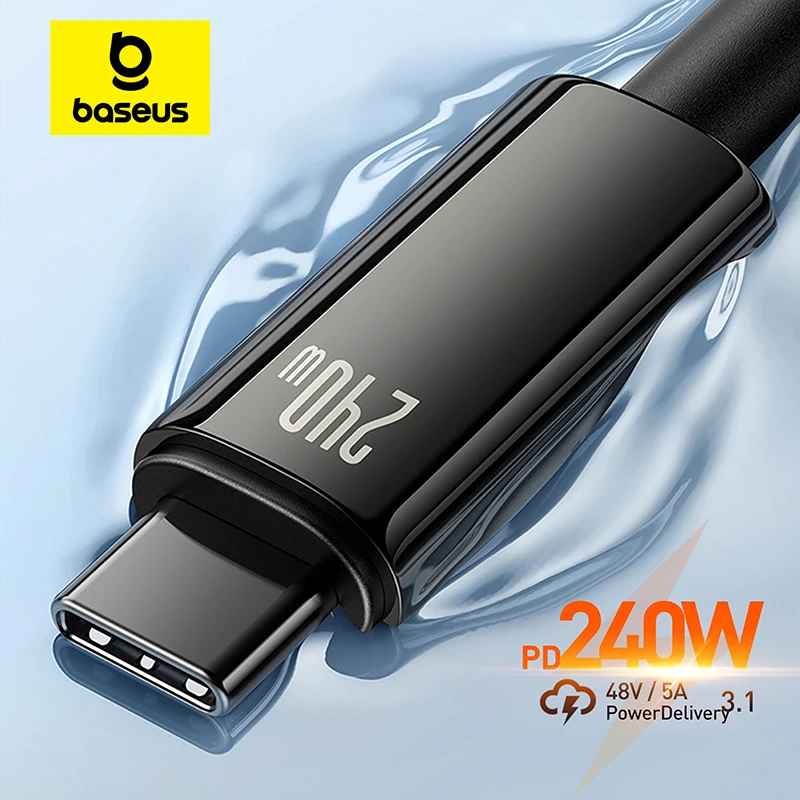
for iPhone 17 16 15 Plus Pro Max Supercharge for Macbook Fast Charger Type C Cable for xiaomi Samsung
358 Reviews
1,000+ Sold
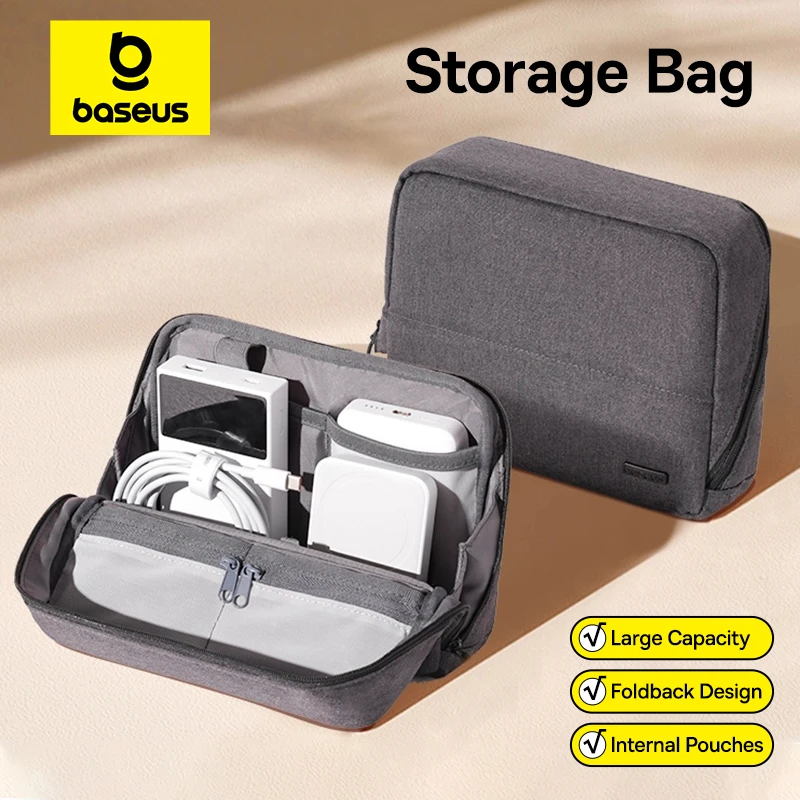
Bag for iPhone 17 Samsung Waterproof Digital Electronic Organizer Portable Power Bank Charger Camera Bag
151 Reviews
1,000+ Sold
Open-Ear Wireless Headphones Bluetooth 6.0 with 4 Mic Clear Call, Earbuds Clip on Earphones 30H Playtime
2261 Reviews
5,000+ Sold
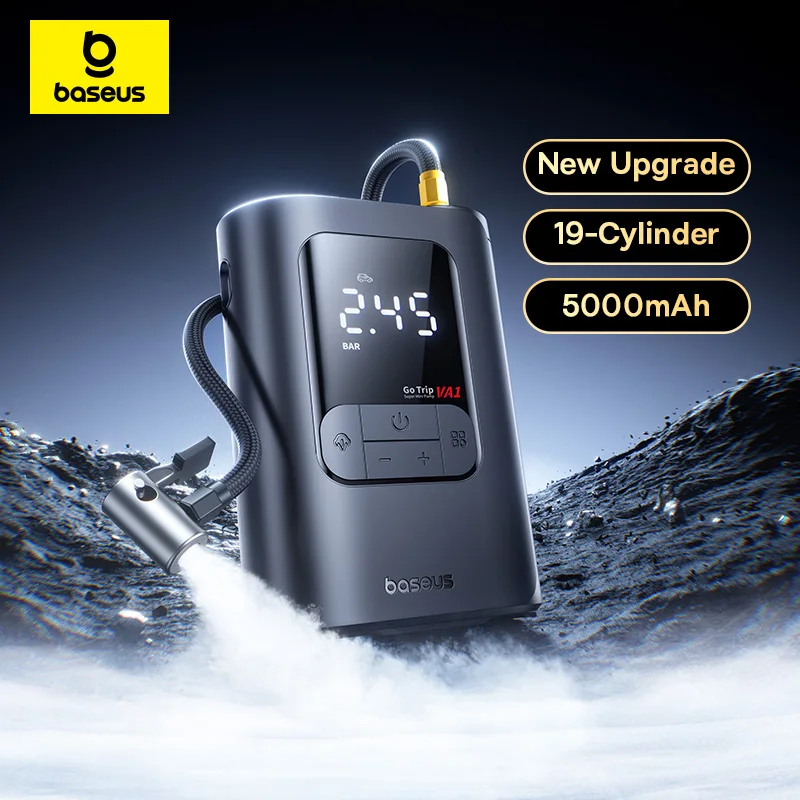
Air Compressor for Car Motorcycles Bicycle Electric Tire Inflator with LCD Digital Display
40 Reviews
100+ Sold
Mi Tablet Global Version Snapdragon 7+ Gen 3 11.2" 3.2K 144Hz Display Adreno GPU 45W Turbo charge 8850mAh
The most popular products on Aliexpress as of the September of the 2026