

A dispute can be opened on AliExpress in cases where the buyer has not received the goods in the time specified by the seller, the order does not match the description, or when the goods have not met the buyer’s expectations and the buyer wants to return the goods to the seller and receive a full refund. In order for the dispute to be resolved in the buyer’s favour, it is essential that the claim against the seller is correctly drafted.
How to open a dispute on AliExpress when the product hasn’t arrived
Each shop sets a time limit for customer protection, during which the goods must be delivered to the customer, otherwise the latter may request a full refund. If the delivery deadline is about to expire and the package is still in transit, you have every reason to open a dispute and request a full refund.
Go to your order page and find the item where the buyer protection period is about to expire. Then click “Open dispute” and follow the instructions below.
In such a situation, when opening a dispute, you need to select the “Refunds only” request. A page will open where you need to specify information about the receipt of the goods, the refund amount, additional information and photo/video evidence that the order has not been received. Often you only need to include media evidence if you have received the goods but they are not of the quality stated.
You should also choose one of the problems that arose specifically with your order.
The most serious argument in an open dispute on AliExpress can be the order tracking information. If the delivery status has not changed since the item left the sender’s country and the buyer’s protection period is expiring, specify this information in the detailed information field of your request.
You should express your arguments and communicate with the seller in English.
Use the online translator to express your requirements to the seller. However, before submitting a request, please translate the received text back from English into Russian to make sure that the translator has formulated the request correctly.
How to open a dispute on AliExpress if the product does not conform to the description
If you have received an order which clearly does not match the description provided by the seller, and you do not want to send it back to the seller, it may be possible to request a partial refund of the price paid. In addition, if the items you receive are clearly poor quality, incomplete, damaged in transit, or a counterfeit of a well-known brand, you can also use this form of dispute opening on AliExpress.
As in the first case, select “Returns Only” on the dispute opening page for your order. Next, mark that the item has been received and select the most suitable reason for a partial refund in the next drop-down list.
Indicate the amount of refund you wish and fill in the details of the problem with the order. Attach photo/video evidence to the request to prove that the goods do not have the properties and quality claimed by the seller. A thoughtful request and proof will significantly increase your chances of winning the dispute and getting a refund. Note that without proof, it’s not worth even attempting to open a dispute.
How to open a dispute on AliExpress with a refund
There are times when a buyer has received an item, but for some reason wants to return the order to the seller for a refund. The most common reasons for such disputes are the goods not matching the description, quality problems, counterfeit, incomplete or damaged order in transit.
When opening a dispute on AliExpress for the reasons mentioned above, select “Money & Refunds” on the Claim Formation page to receive your money back. Fill in all the fields, especially carefully select the reason for the dispute.
You should also attach evidence to the application that the goods have quality problems or you simply want to return the goods to the seller for personal reasons and they are in their original condition. You should be aware that if the seller agrees to your terms, you may well have to pay for shipping the goods back to the shop.
How to fill in the dispute form
Once you have opened a dispute, a new window will automatically open with fields to fill in. How do I fill them out so that the seller is sure to refund my money? The answer is in our step-by-step guide:
- Select the expected solution to resolve the dispute;
- In the “Did you receive the product” box, choose the answers: YES/NO;
- Under “Amount of refund”, please indicate the value of the product plus the shipping costs if these were paid separately;
- Next, describe the reason for the dispute: specify the faults of the goods or the fact that the goods have not arrived at the delivery point. To resolve your dispute faster, we recommend using English as the language of submission;
- As proof, you can send a screenshot from the item tracking site that the item was not delivered. You can also submit a photo or video of the goods that were not of the right quality or did not meet your expectations.
- After filling in all the fields, click on the “Submit” button.
The application will then go to the seller, who will accept the buyer’s offer or make a decision.
Resolving disputes on AliExpress
When the buyer opens a dispute on one of the orders, the seller is notified. The seller can agree to the conditions, offer his own solution or refuse to refund the money at all. If the buyer and the seller cannot reach a solution to the dispute on their own, AliExpress will intervene. The support team examines all the claims and evidence and reaches a decision on the dispute. After winning the dispute, the buyer will receive their money within 7 days to the account from which the payment was made.
Timeframe for opening and running a dispute at Aliexpress
The timeframe for opening a dispute depends directly on the specific situation:
- After 10 days after being informed that your order has been shipped;
- If the item has not been delivered – after the expiry of the protection time of the order;
- If the goods are defective, you can open a dispute within 15 days after delivery.
The seller and the buyer have 7 days to resolve the dispute. During this time both parties may reach a compromise. There may be times when the seller will ask for the dispute to be cancelled, promising to send a new item free of charge. By agreeing with the seller, you may not receive your goods and money at all, as no one can guarantee the seller’s honesty, and you can only submit a claim for the same item once.
If you can’t come to a mutual solution with the seller, the dispute is sent to the Aliexpress administration. During this period, site support may request additional evidence. On average, the dispute is resolved after 2-3 weeks.
Too frequent opening of disputes with sellers, as well as inappropriate language in messages with them may lead to blocking the account for violation of site rules. If this has happened, you can find information on how to unblock your Aliexpress account.
Aliexpress Money Back Guarantee
Full or partial refunds from Aliexpress are made to the same account or payment system from which the buyer previously placed the order. Funds must be received within 5-15 days of closing the dispute.
Hot offers
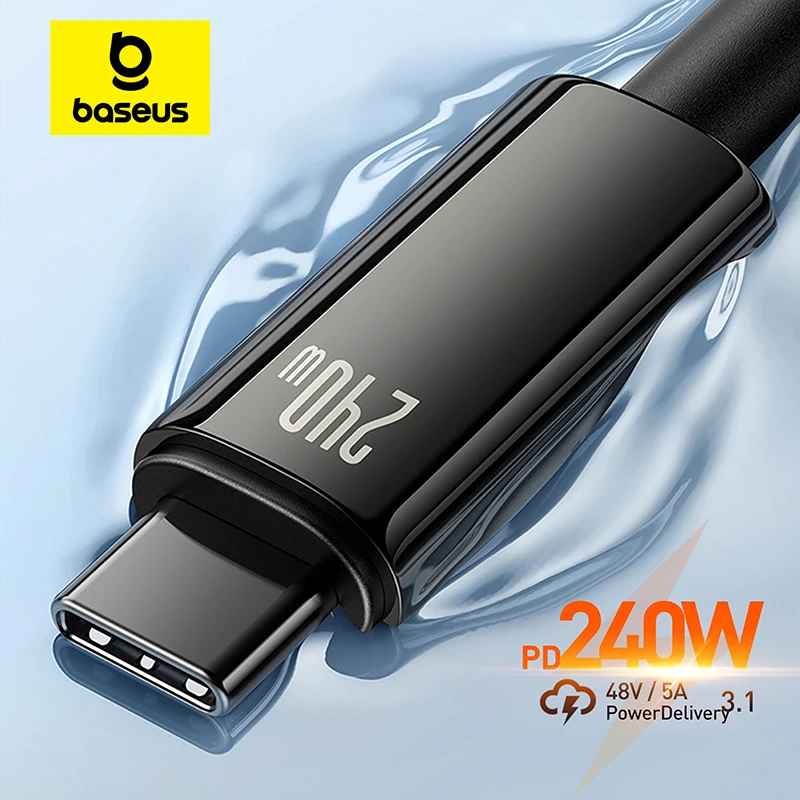
10,000+ Sold
for iPhone 17 16 15 Plus Pro Max Supercharge for Macbook Fast Charger Type C Cable for xiaomi Samsung
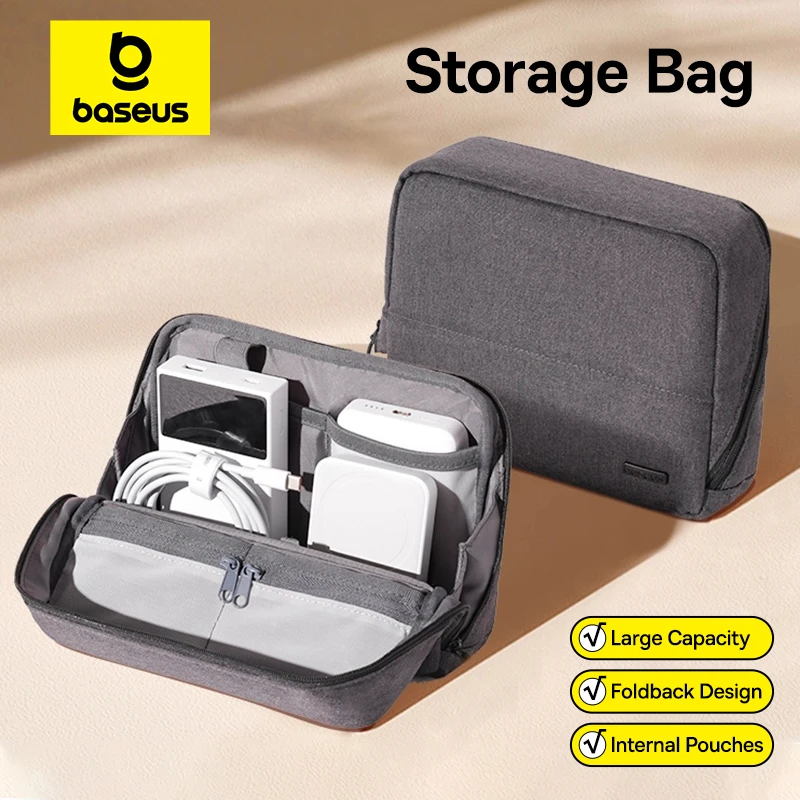
1,000+ Sold
Bag for iPhone 17 Samsung Waterproof Digital Electronic Organizer Portable Power Bank Charger Camera Bag

1,000+ Sold
Open-Ear Wireless Headphones Bluetooth 6.0 with 4 Mic Clear Call, Earbuds Clip on Earphones 30H Playtime
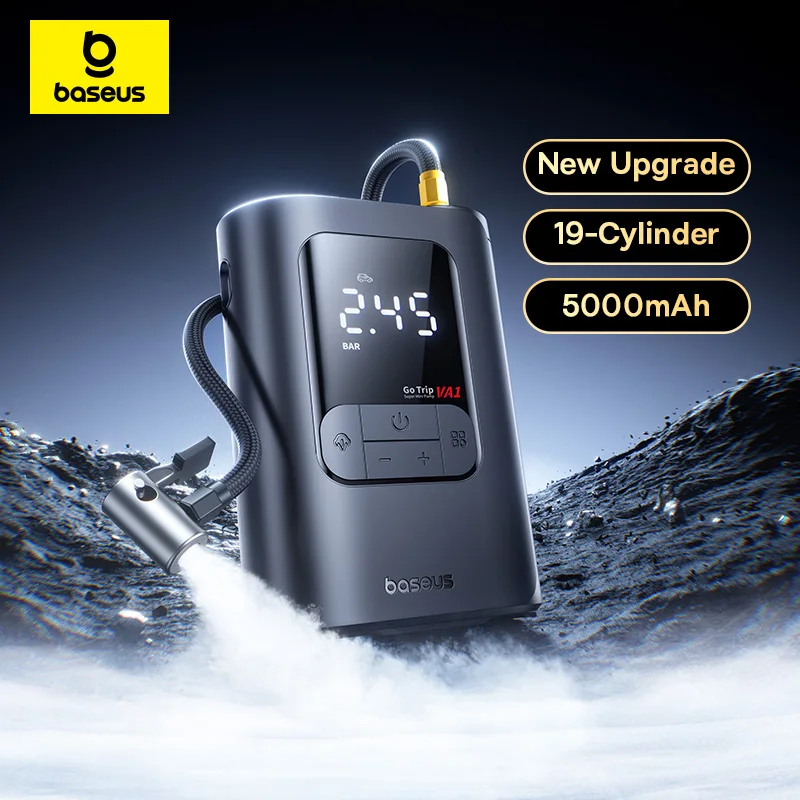
5,000+ Sold
Air Compressor for Car Motorcycles Bicycle Electric Tire Inflator with LCD Digital Display

100+ Sold
Mi Tablet Global Version Snapdragon 7+ Gen 3 11.2″ 3.2K 144Hz Display Adreno GPU 45W Turbo charge 8850mAh
How do I open an Aliexpress dispute in the mobile app?
Необходимое время: 5 минуты.
Opening a dispute in the AliExpress mobile app is quite easy. To do so, follow the instructions:
- Step
Open the app and go to “My profile”
- Step
Next, click on the “Sent” link
- Step
You will be shown a window with your ordered items. Select the one you want to dispute
- Step
On the product page, click on the grey “Open dispute” button

- Step
Then follow the instructions in “How to fill in a dispute application” above